Documentation index: llms.txt. This page is also available as markdown: append .md to this URL or send Accept: text/markdown.
Create Workspace Node
POST/api/v1/workspaces/:workspaceID/nodes
Create a new Workspace Node with the specified configuration.
To update or change the Node data use the Set Node endpoint.
Get the Node Type
You can get the nodeType in two ways:
- Look up the
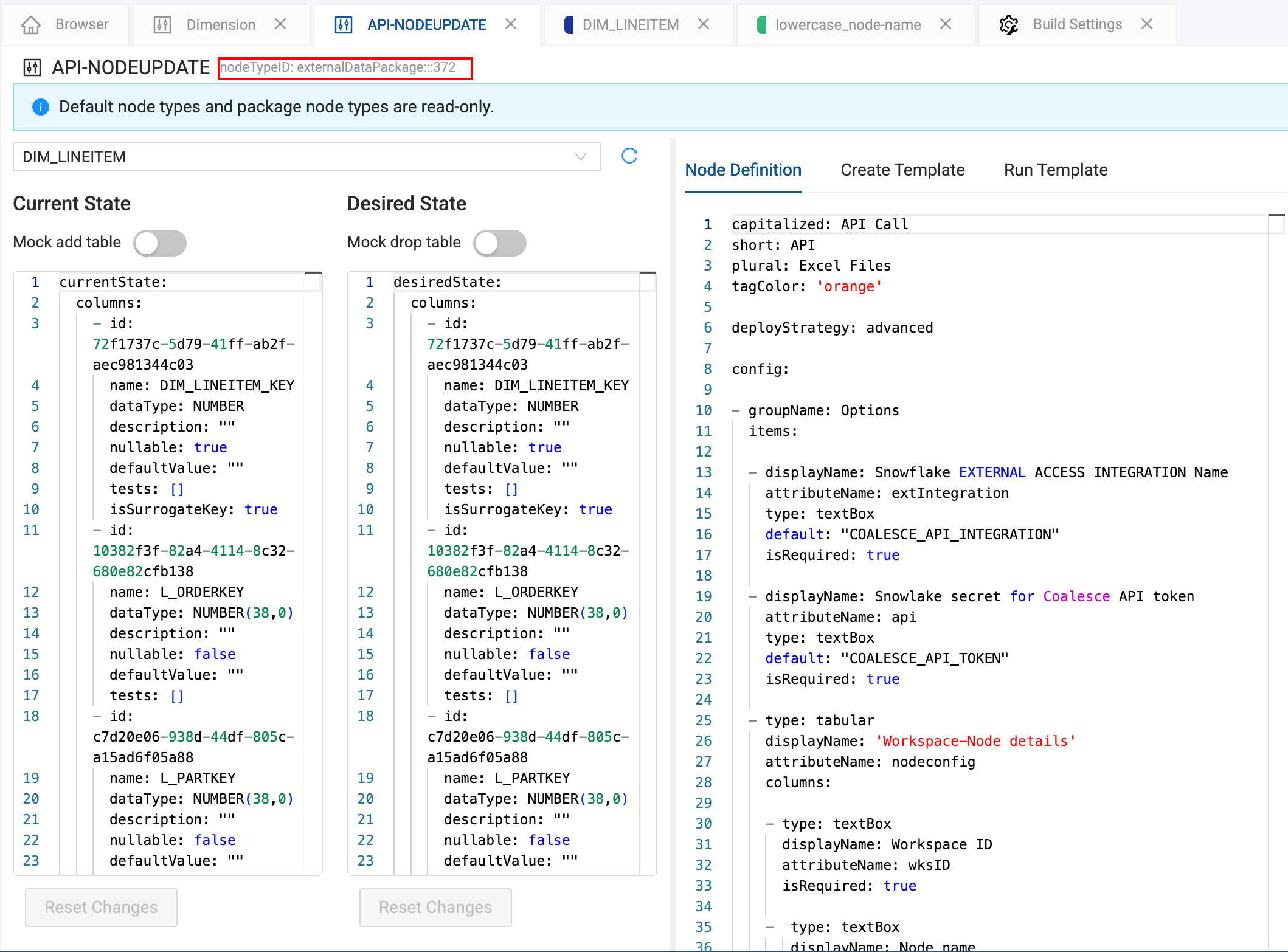
nodeTypein the Coalesce App. Go to Build Settings > Node Types, then click View. At the top you'll see thenodeTypeID. This is yournodeType. If the is this:nodeTypeID: externalDataPackage:::372, you'll use:nodeType: externalDataPackage:::372.
- You can use the List Environment Nodes or List Workspace Nodes to get a list of existing Nodes. This endpoint only returns in use Nodes and Node types. For example, if you have Node type ML Forecast and ML Anomaly Detection installed, but you are only using ML Forecast, ML Anomaly Node type won't return in the API results.
Using predecessorNodeIDs
You can leave it blank, enter a single Node ID or multiple Node IDs.
Blank:
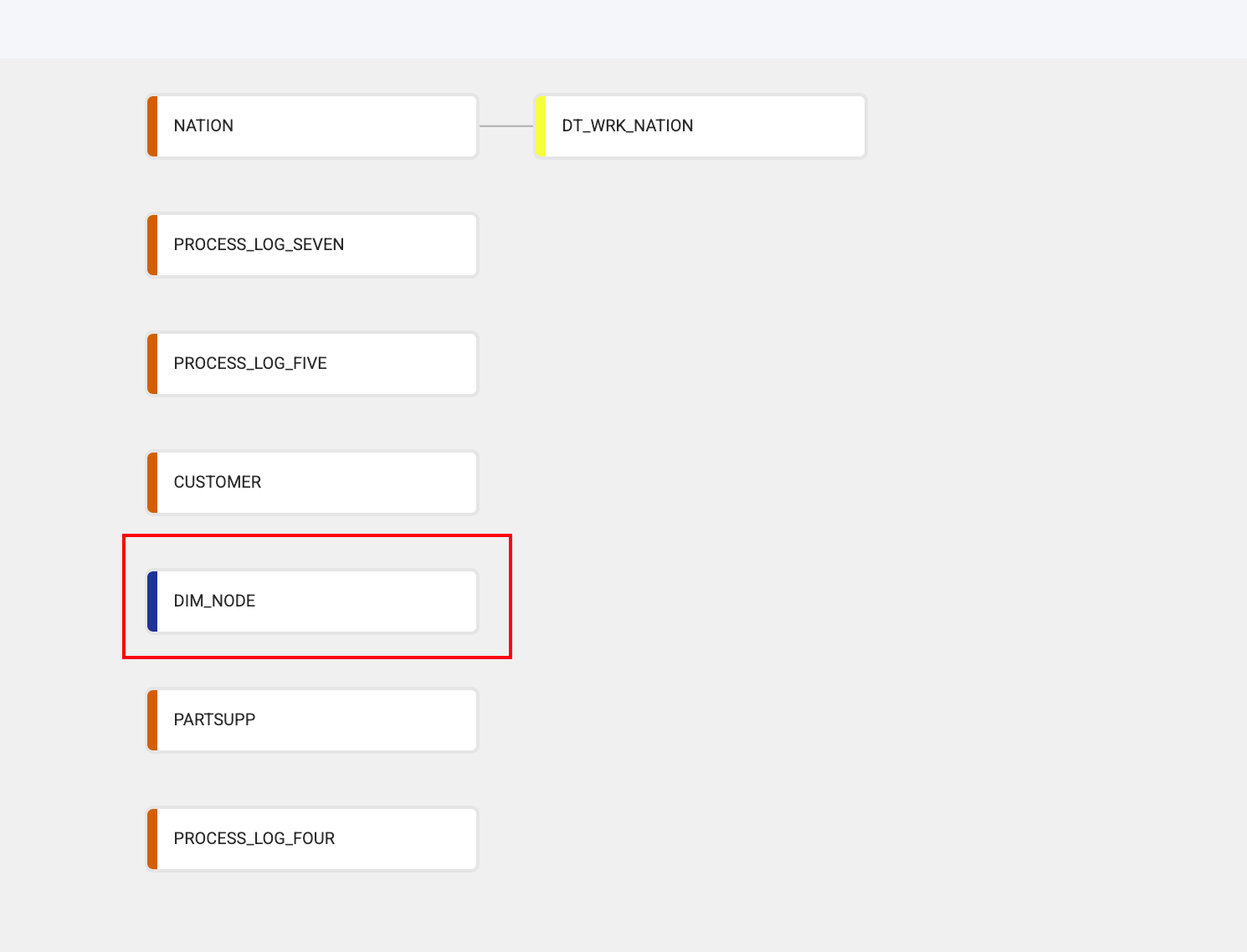
Single Node

Multiple Nodes
Region and DT_WRK_PART Node IDs were used.

Request
Responses
- 201
- 400
- 401
- 403
- 404
- 500
- 502
- 503
- 504
The request was invalid.
User lacks authorization to perform this action.
The client is not permitted to perform the requested operation.
The requested resource could not be found.
The server encountered an unexpected condition that prevented it from fulfilling the request.
The server received an error from an upstream system.
The service is currently unavailable.
The server did not receive a response in time from an upstream system.