Documentation index: llms.txt. This page is also available as markdown: append .md to this URL or send Accept: text/markdown.
Report an Issue
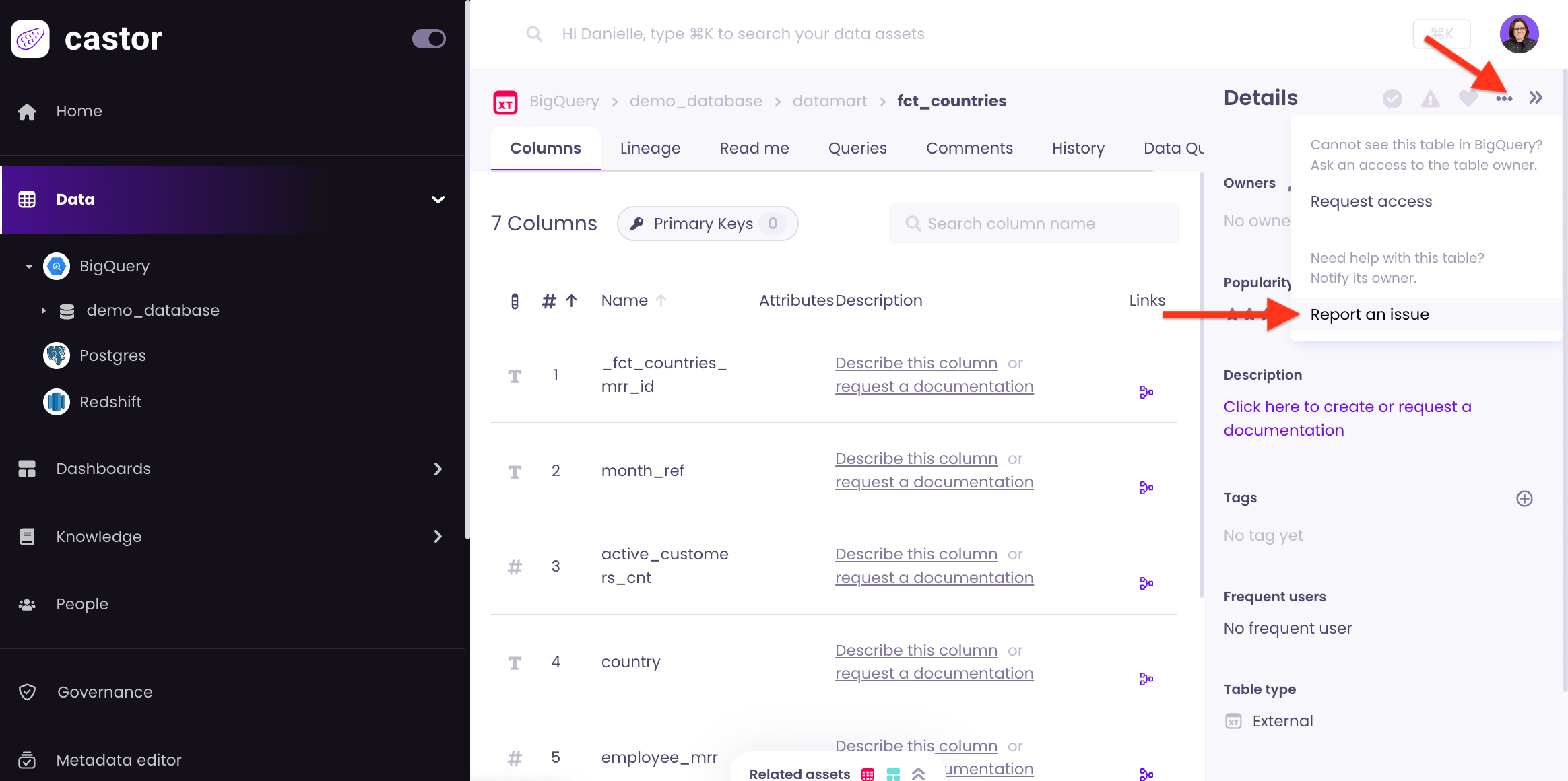
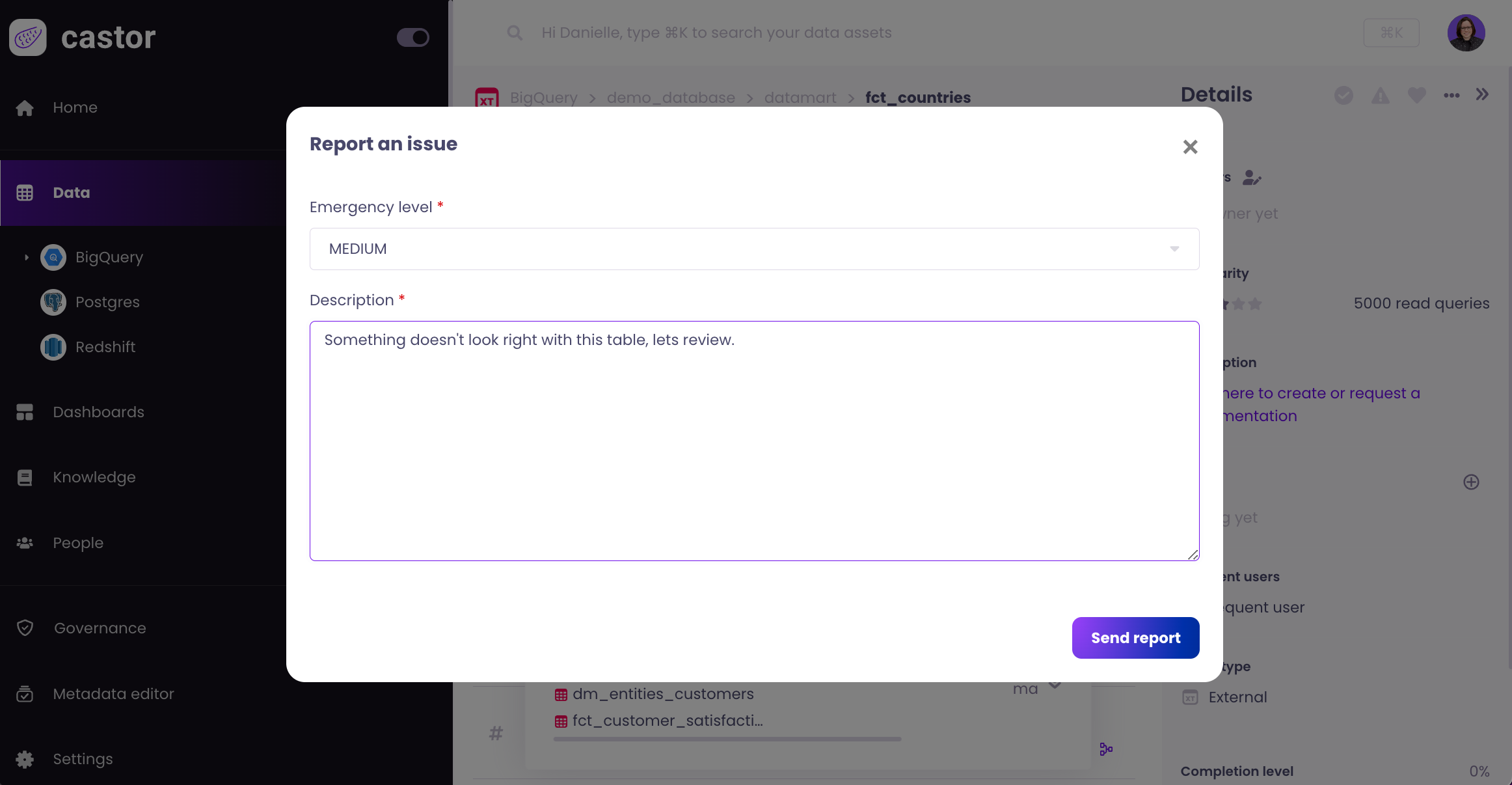
When viewing a table in Catalog, you can report an issue if needed. From the top right menu, you can select Report an Issue and add details about the issue. This will prompt the table owner or admin to investigate.
Reporting an issue notifies relevant users by:
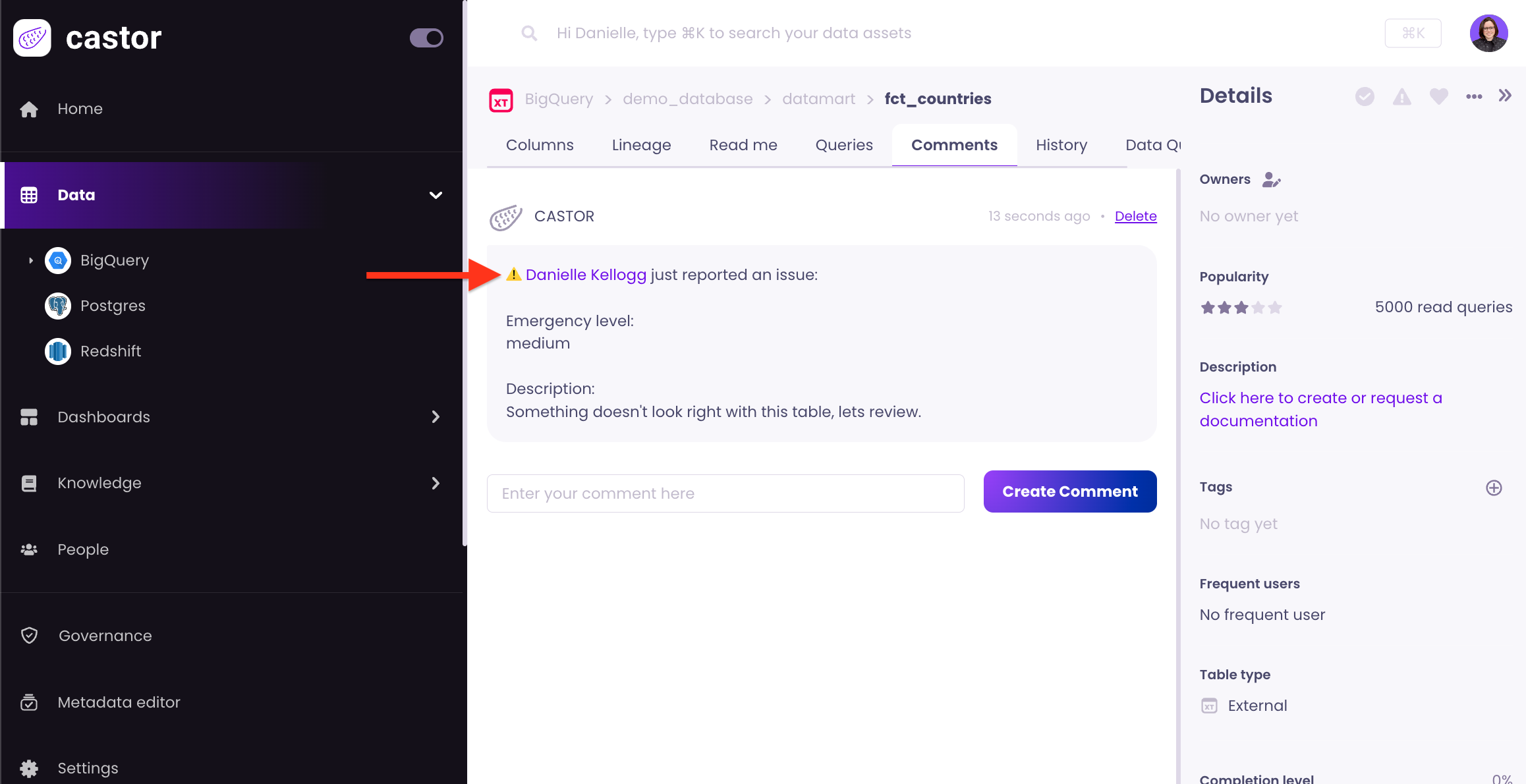
- Adding a comment to the asset in Catalog
- Triggering a Slack notification to the table owner; if Slack is not enabled for that owner, an email notification will be sent
- Otherwise, if that table has no owner, the admin will be notified in the same manner