Documentation index: llms.txt. This page is also available as markdown: append .md to this URL or send Accept: text/markdown.
AI Administration
Control how AI behaves in the Catalog. Enable or disable the AI assistant, add company context, and connect it to your communication tools.
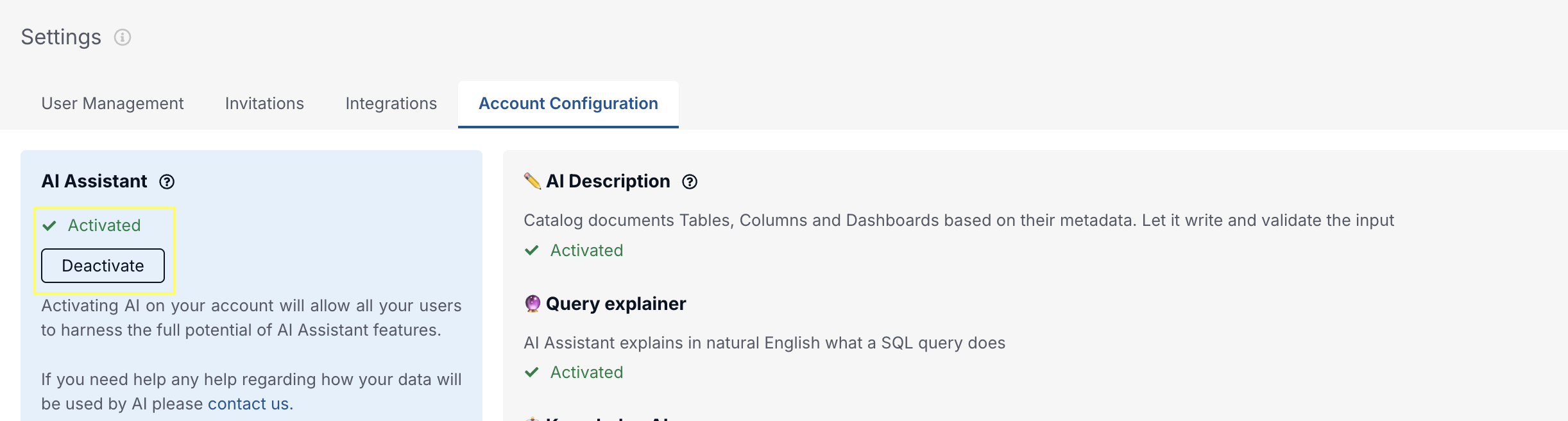
Activate AI
You want to enable or disable the AI assistant? Go to this page and click "Activate/Deactivate"
Drive AI: Describe Your Company
Improve the quality of AI-generated descriptions by adding your company description on the settings page.
This will influence the description generated by AI for Knowledge pages.
Edit the description on the settings page.
.png)
Make It Accessible in Your Communication Tools
Microsoft Teams
Slack