Documentation index: llms.txt. This page is also available as markdown: append .md to this URL or send Accept: text/markdown.
Airflow
Catalog supports two integrations with Apache Airflow that enrich warehouse table assets. You can attach curated DAG or web URLs through the Catalog Public API, or you can connect OpenLineage with Marquez so Catalog reads lineage from executed DAGs. The OpenLineage path is in Beta. This page explains how the two approaches differ so you can choose the right one. Step-by-step configuration for lineage is on Airflow setup.
If you need procedures for running Coalesce pipeline Jobs from Apache Airflow, that workflow is documented in the broader Coalesce platform documentation for deployment and third-party orchestration, not under Catalog integrations. This Catalog section covers metadata and lineage for table assets only.
Choose How Catalog Connects Apache Airflow to Your Tables
Use these scenarios to choose your starting approach.
You Want Curated DAG Links Without Lineage
Your automation pushes link metadata onto warehouse tables using the Catalog Public API. Collaborators then open Airflow from External Links on each table.
- Maintenance - Link rows stay trustworthy when your automation keeps API payloads aligned with DAG names, table identifiers, and URLs.
- Scope - This path adds curated navigation. It does not, by itself, ingest lineage from DAG runs.
For authentication, regional base URLs, and the in-app playground, start with Catalog Public API. To learn how External Links behave in the Catalog UI and how Source Links relate for warehouses such as Snowflake or BigQuery, see Links on warehouse tables.
You Want Lineage-Based DAG Associations and Signals in Catalog
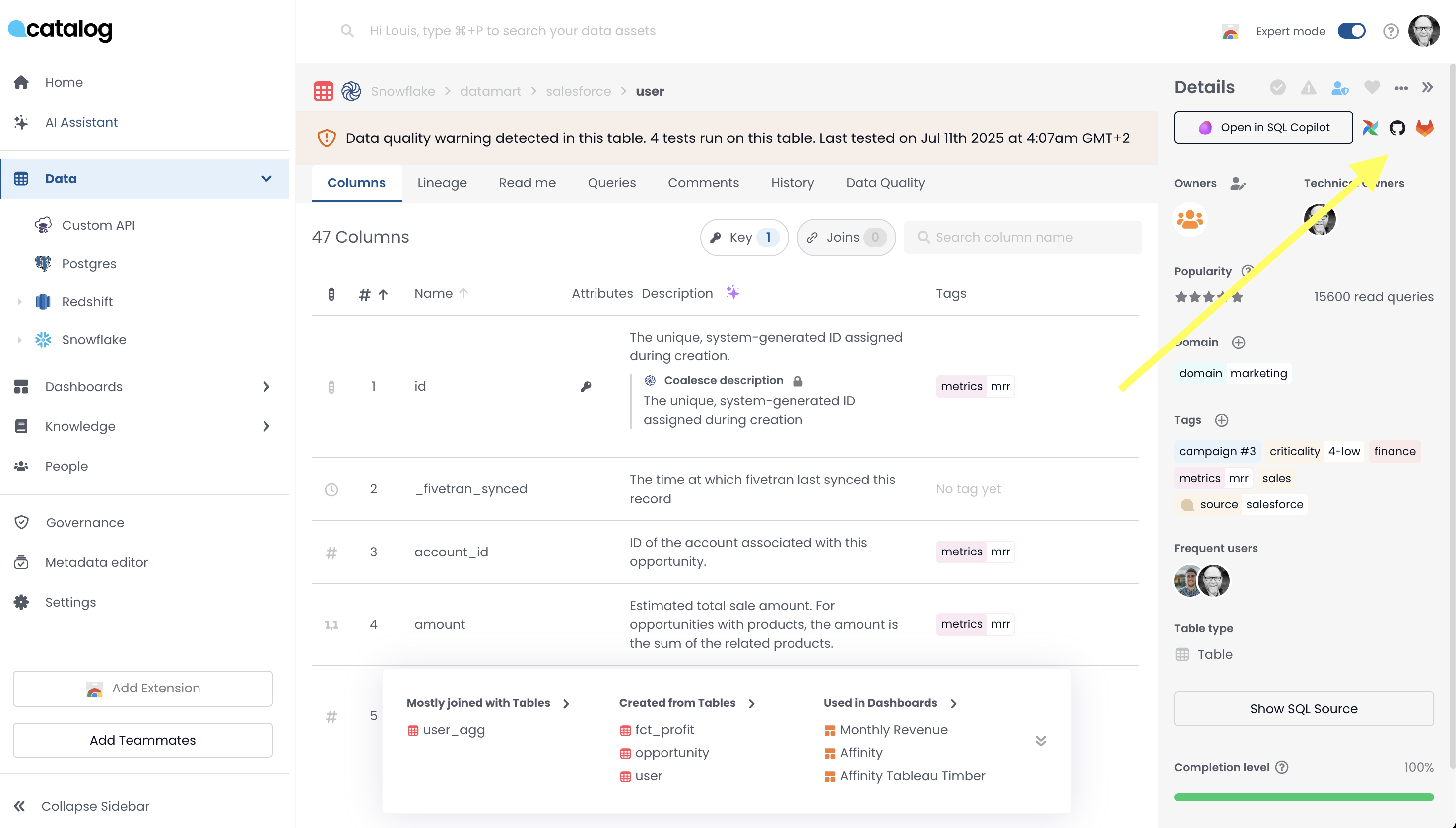
You configure Airflow to emit OpenLineage events to Marquez so Catalog reads DAG-to-table lineage and shows pipeline-oriented signals on Data Quality for those tables.
- Operational - Marquez, OpenLineage, and the Airflow environment variables you set must stay healthy for signals to refresh as DAGs execute.
- Rollout - This path is Beta. Coordinate activation and Workspace scope with Coalesce Support before expanding.
Configuration steps are on Airflow setup. For deeper Airflow tuning, see the OpenLineage Airflow integration and Marquez quickstart documentation.
You Want Curated Links and Lineage Signals Together
Both approaches can run together. Many teams automate explicit External Links for stable navigation and rely on OpenLineage and Marquez for run-derived lineage and Data Quality indicators. Decide who owns naming and namespace conventions on each side so API-driven links stay consistent with lineage identities.
Reach out to Coalesce Support when you split responsibilities between automation and connector teams across Workspaces.
Push DAG Links and Other URLs Through the Catalog Public API
Authorized automation can attach Airflow DAG URLs or other outbound URLs to a table so they appear among External Links for that warehouse table.
Follow Catalog Public API for tokens, regional base URLs, and the API playground. Use the playground and linked API specification to build the authenticated requests your pipeline uses.
Connect OpenLineage and Marquez for DAG Lineage in Catalog
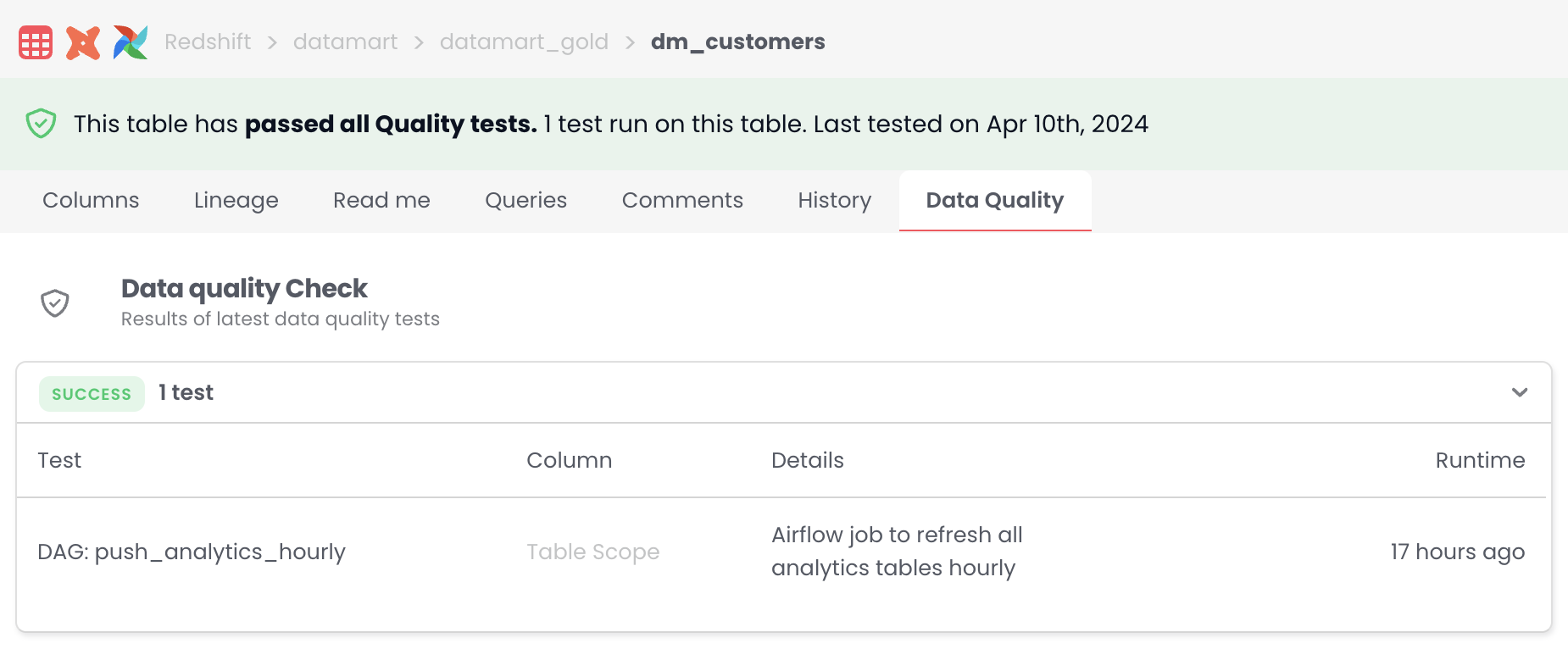
With OpenLineage and Marquez configured as described on Airflow setup, Catalog ties DAG URLs to the warehouse tables your DAG runs touch and exposes lineage-backed status alongside other signals on Data Quality for the table.
Collaborators viewing a lineage-connected warehouse table can:
- Open context for the DAG that refreshes the table from lineage metadata.
- See recency indicators when lineage reflects successful DAG runs covered by your setup.
Coverage for OpenLineage through Catalog stays in Beta. Contact Coalesce Support before you extend to new environments or widen production scope beyond what you agreed with Support.
What's Next?
- Complete environment variables and credentials for lineage on Airflow setup.
- Build or extend automation for table URLs using Catalog Public API and confirm link behavior using Links on warehouse tables.
- Understand how collaborators read aggregate quality and test content on warehouse tables using Data Quality on warehouse tables.