Documentation index: llms.txt. This page is also available as markdown: append .md to this URL or send Accept: text/markdown.
Sifflet
Connect Catalog to Sifflet to display data quality checks and their latest results on your data assets.
What Does Catalog Get From Sifflet?
Catalog extracts every check and its latest result. These appear on the data assets they are related to.
.png)
Requirements
warning
A warehouse integration must already be configured to complete the first ingestion of this integration.
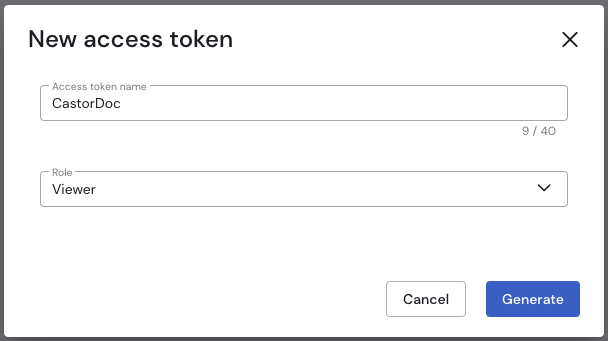
An API token with read access is required. To generate one:
- Go to Settings, then Access Tokens.
- Click "New Access Token".
- Enter a token name and choose Role = Viewer.
- Click Generate, then copy and store the resulting token.
.png)
Tenant Name
Also take note of your tenant name, which is the following part in the URL:
https://<tenant>.siffletdata.com/
Catalog Managed
Input your credentials directly into your Catalog account in the following format:
{
    "tenant": "your-tenant",
    "token": "your API token"
}
For your first sync, it will take up to 48 h and we will let you know when it is complete.