Documentation index: llms.txt. This page is also available as markdown: append .md to this URL or send Accept: text/markdown.
Data Discovery
Catalog centralizes metadata from your warehouses, BI tools, and transformation tools into a single, unified experience, making data discovery seamless and intuitive.
With Catalog, your data is instantly accessible. Easily search or browse across domains, metrics, dashboards, tables, and columns. Find answers to your questions, understand the context behind your data, and uncover the story powering your organization's knowledge.
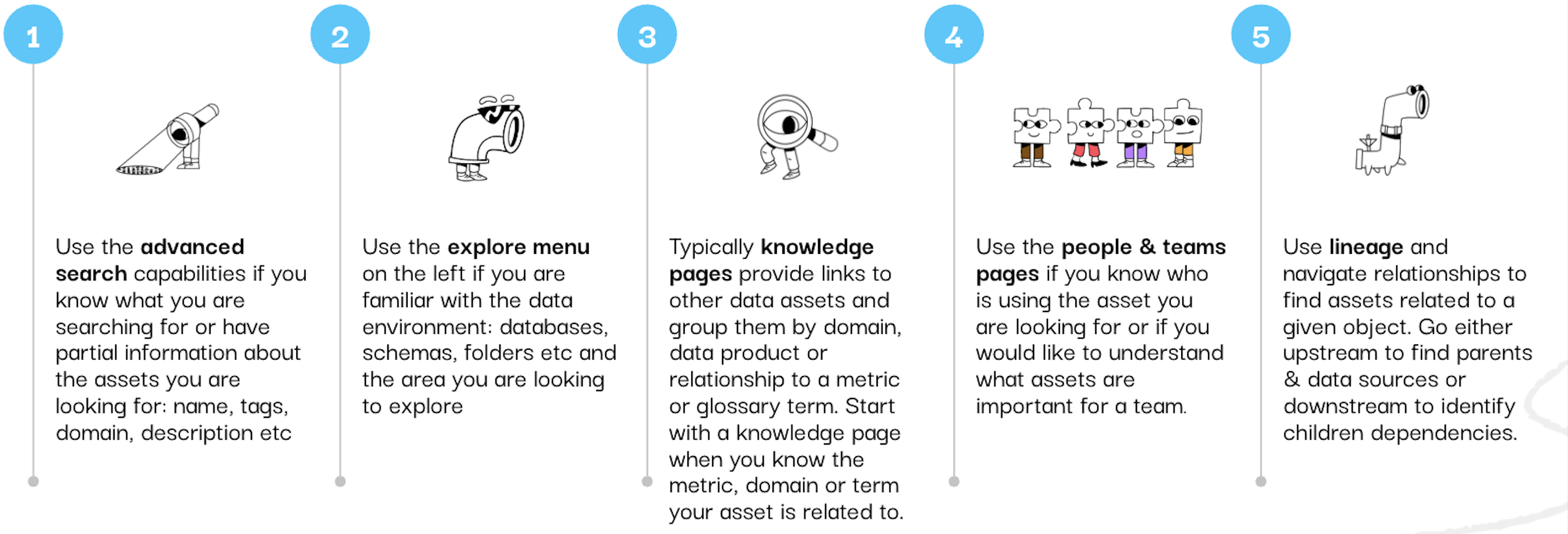
Catalog offers six starting points depending on how well you know the information you are searching for.
Use this table to choose where to start:
| Method | Best for |
|---|---|
| Navigation Menu | You know how your environment is organized and want to browse databases, schemas, and folders in the left panel. |
| Lineage | You know a dashboard or table and want to follow relationships to related upstream or downstream assets. |
| People and Teams | You know who owns or uses the asset, or you want to see what matters to a team from usage and ownership. |
| Advanced Search | You have a name fragment, description keyword, owner, tag, domain, or similar detail and want filters to narrow results. |
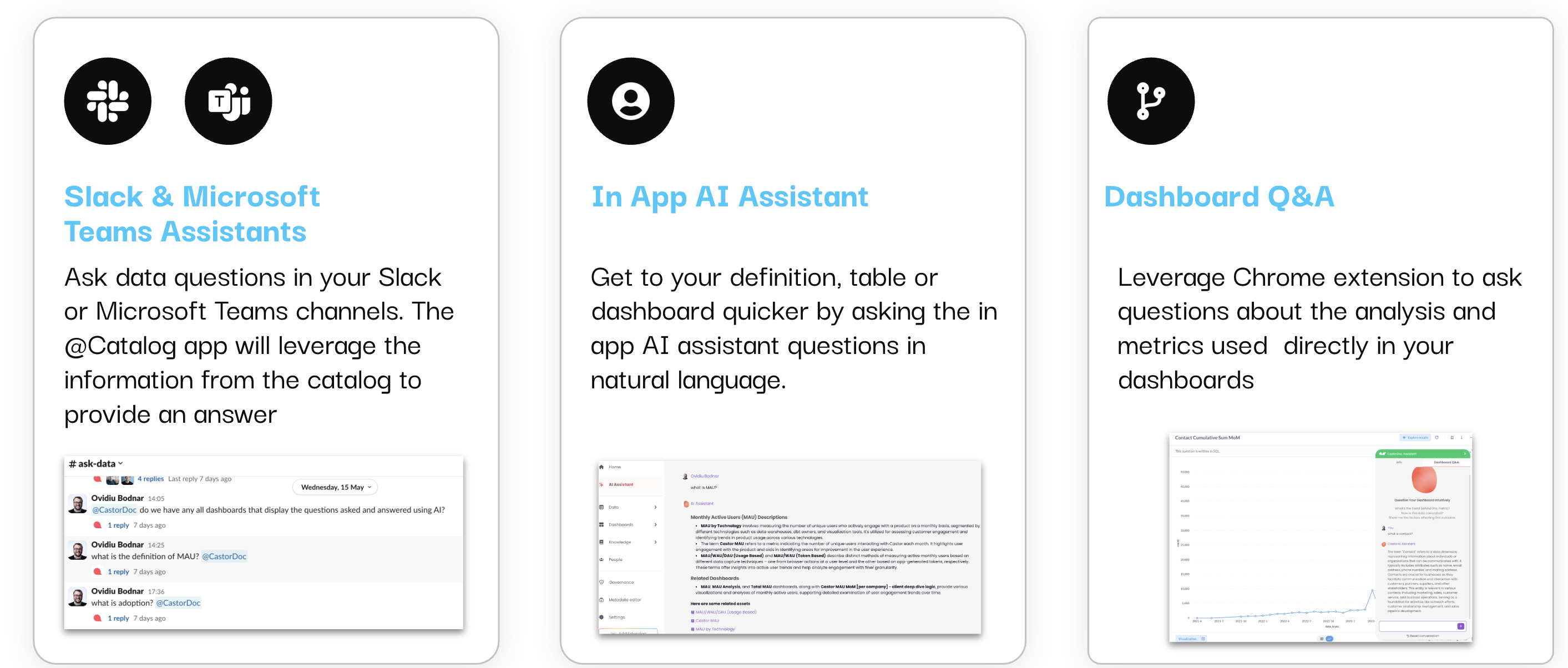
| AI Search | You want natural-language questions about a metric or field and AI-assisted answers inside Catalog. |
| Knowledge Section | You are looking for metrics, terms, or domain definitions with links to related tables, fields, dashboards, and reports. |

For an even more seamless experience, use the AI assistant to find what you are looking for. Whether you are looking for a metric definition, a table, or a reference dashboard, AI Search and the AI conversational assistant will help you get an answer. Learn more in the AI assistant introduction.