Documentation index: llms.txt. This page is also available as markdown: append .md to this URL or send Accept: text/markdown.
Confluence
Permissions from Confluence are NOT synced to Catalog.
All synced pages become visible to all Catalog users, regardless of source permissions. Do not sync confidential, private, or regulated content unless all Catalog users should have access.
Integrate Confluence with Catalog to synchronize data documentation content. This integration ensures a constantly updated knowledge base and powers the AI Assistant with your content.
Why Synchronize Your Confluence Pages in Catalog?
Advantage 1: Enhanced AI Assistant Intelligence
All imported content feeds the Assistant, significantly boosting its intelligence. This empowers your teams to gain independence and efficiency in their work.
Advantage 2: Always Up-to-Date Content
Currently, users manually copy and paste content from Confluence into Catalog, leading to redundant maintenance efforts and potential inconsistencies. With this feature, these issues are eliminated. The synchronized content becomes the single source of truth, always up-to-date and read-only in Catalog.
How To Perform the Synchronization
Follow these steps to set up the integration:
-
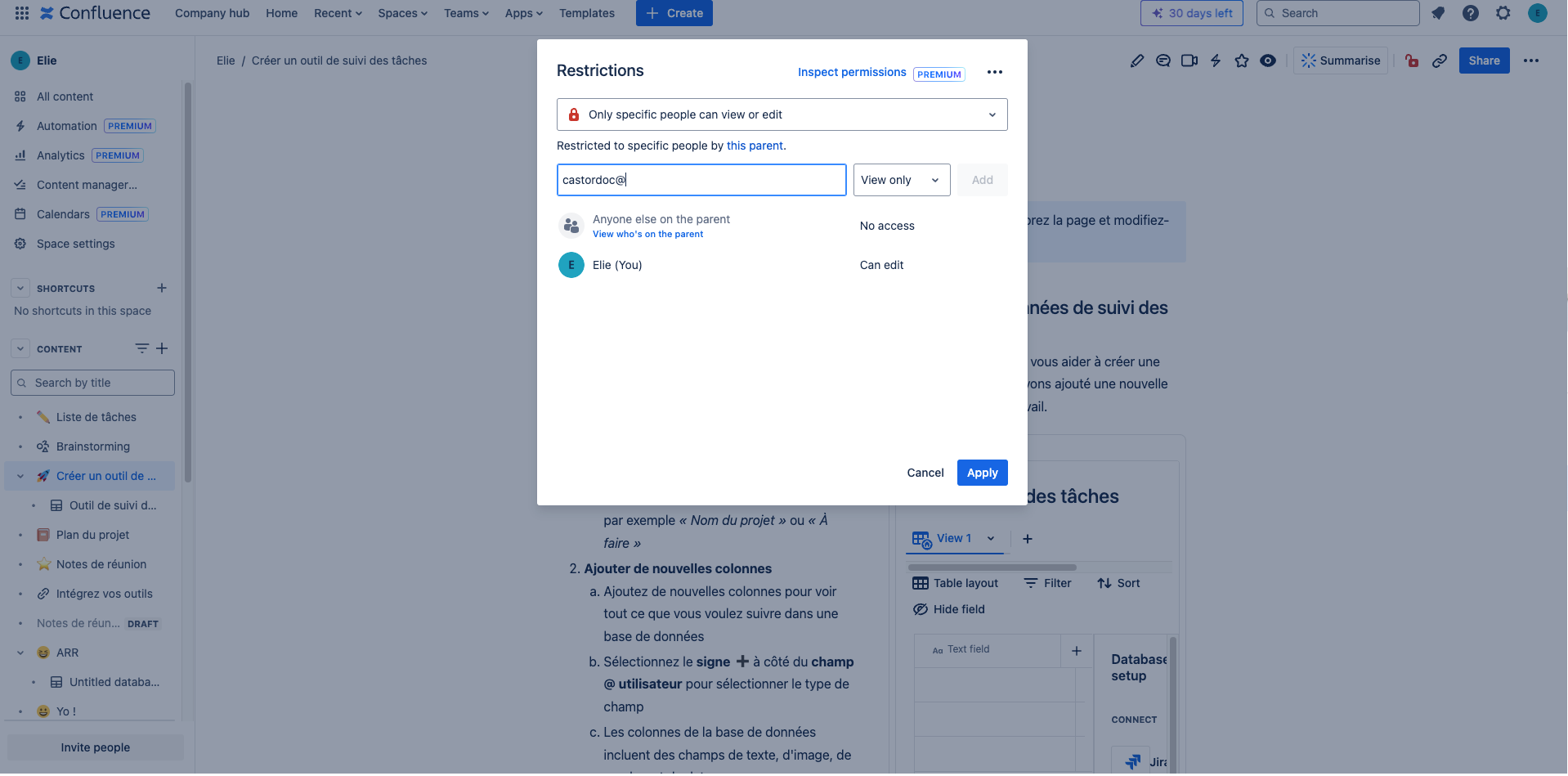
Create a Confluence account for Catalog This account, with the permissions you assign to it in the Confluence space (and therefore the visibility of pages), will be used to synchronize content with Catalog. Location: Your Internal Confluence Space
-
Navigate to the pages or spaces you want to share Location: Your Internal Confluence Space
-
Grant permissions Location: Your Internal Confluence Space
-
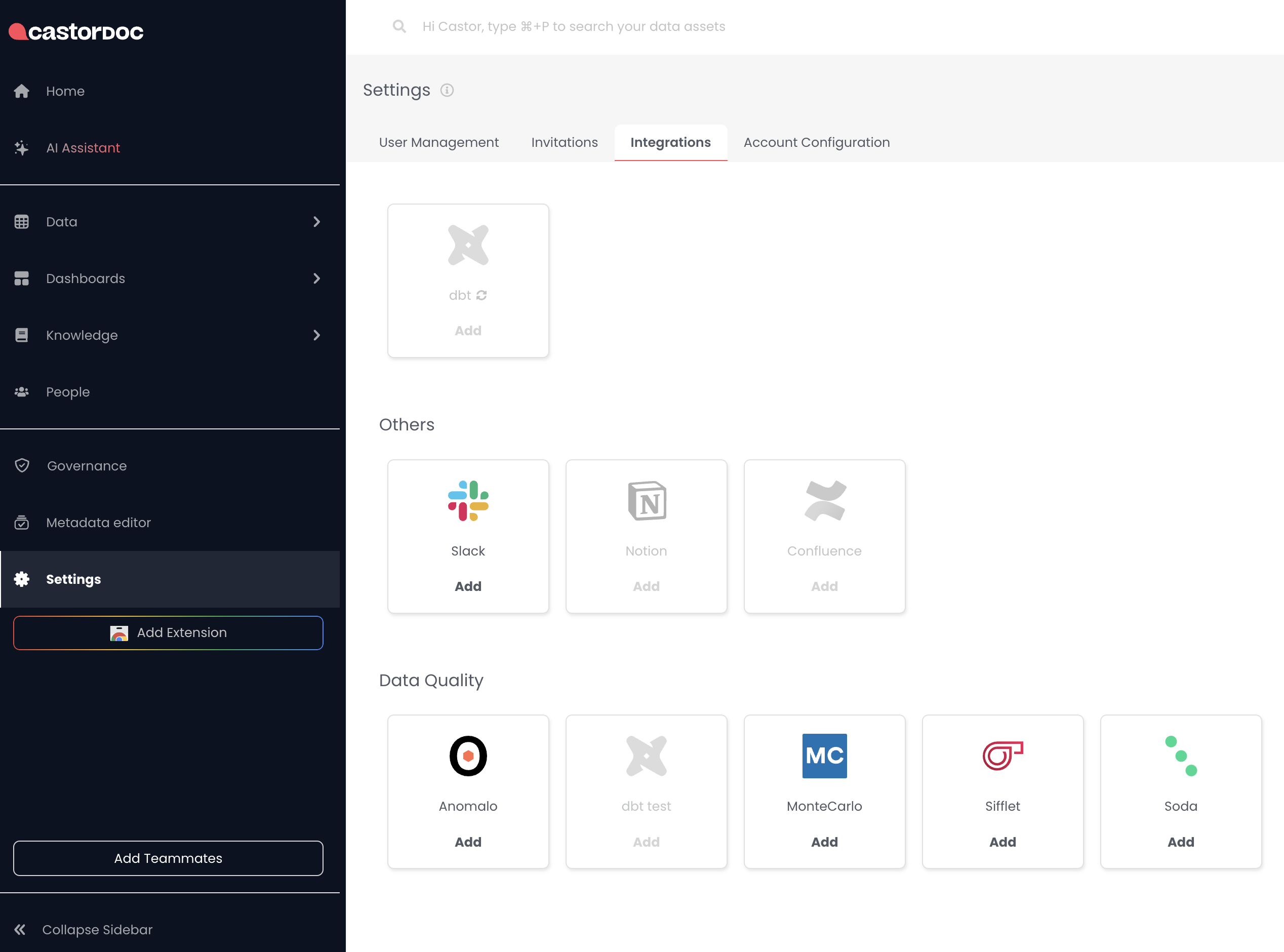
Complete the integration process Location: In Catalog
.png)
Account ID
To find your Account ID, see Where can you find your Account ID?
 (1).png)
 (1).png)
Base URL
The Base URL can be found in the same place. Use a base_url in this format: https://xxxxx.atlassian.net/
 (1).png)
API Token
To find your API Token, see API tokens
Scoped tokens are not supported by Catalog. Create an unscoped token to complete this integration.
 (1).png)
 (1).png)
FAQ
Questions About Page Synchronization
- Q: If you select a parent page, are all its children automatically ingested? A: Yes, all child pages are automatically ingested.
- Q: If you want to select only one child page out of 10 ingested, do you need to unsync the other 9? A: Yes, you need to manually unsync the unwanted child pages. Or, directly synchronize the desired one in the first place.
- Q: How can you ingest only a single page without its children? A: You need to manually unsync its child pages.
- Q: What are the ingestion rules for private pages? A: Private pages within a public parent page are ingested. To prevent this, manually unsync the private pages.
Questions About Rights and Permissions
- Q: Are the permissions on Confluence pages reflected in Catalog? A: No, not currently. If User A does not have rights to view a page in Confluence, but that page is synchronized to Catalog and User A has access to Catalog, they will be able to see the page content. This content will also be used by the AI Assistant.