Documentation index: llms.txt. This page is also available as markdown: append .md to this URL or send Accept: text/markdown.
Change or Forgot Password
New Password
Enter your old password once, your desired new password, and your new password again to confirm. Then click on Update Password to complete the password change.
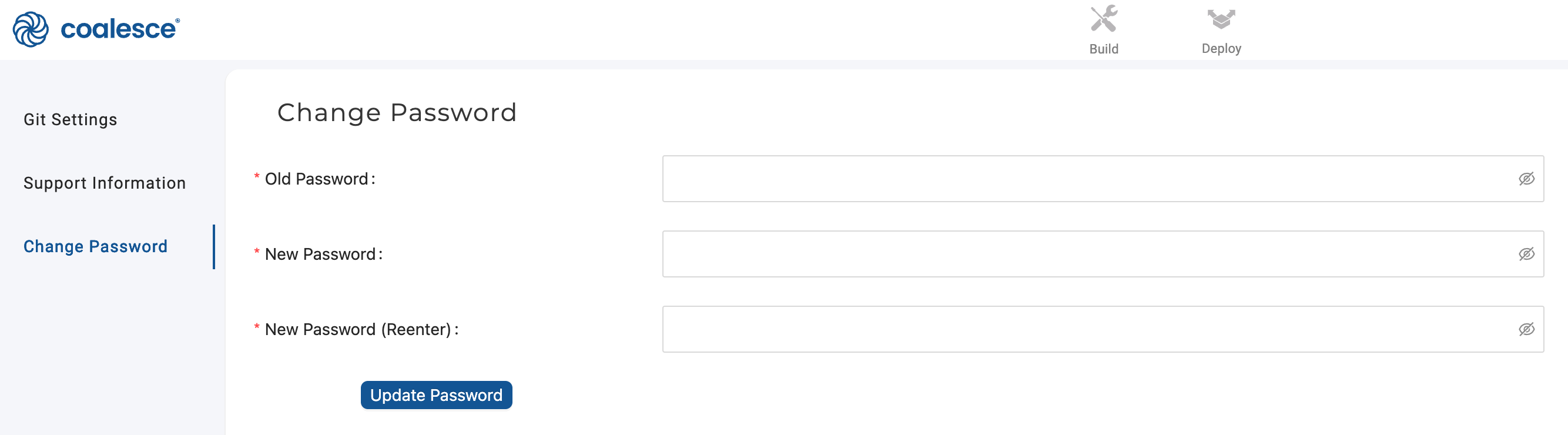
Passwords must be at least 6 characters.
Forgot Password
If you've forgotten your current password, you can reset it by logging out and clicking the Forgot your password? link on the login page.
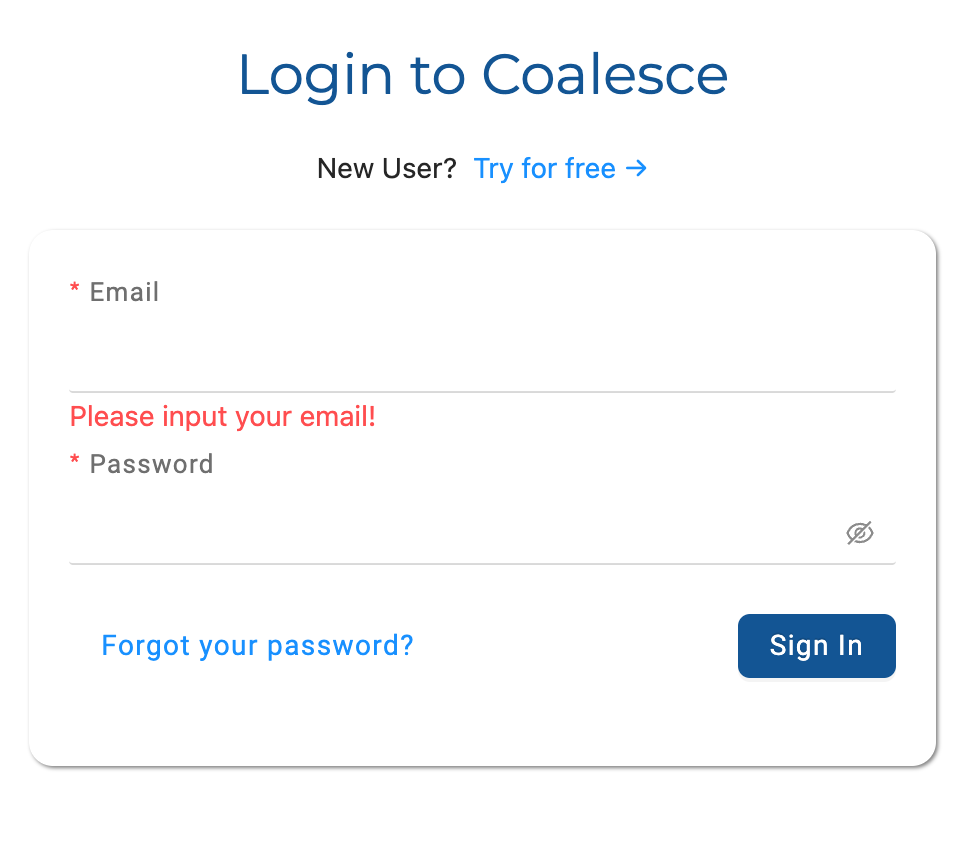
Once the Authentication Upgrade reaches your organization, sign-in is split across two screens. Enter your email address, select Continue, then select Reset password on the password screen. Resetting your password no longer revokes your access tokens.
SSO Password Change
If your company uses SSO, you'll need to work with your Administrator to log back in.