Documentation index: llms.txt. This page is also available as markdown: append .md to this URL or send Accept: text/markdown.
Getting an Access Token
Getting an Access Token
Coalesce requires an access token to make API requests. Go to the Deploy tab and click Generate Access Token.
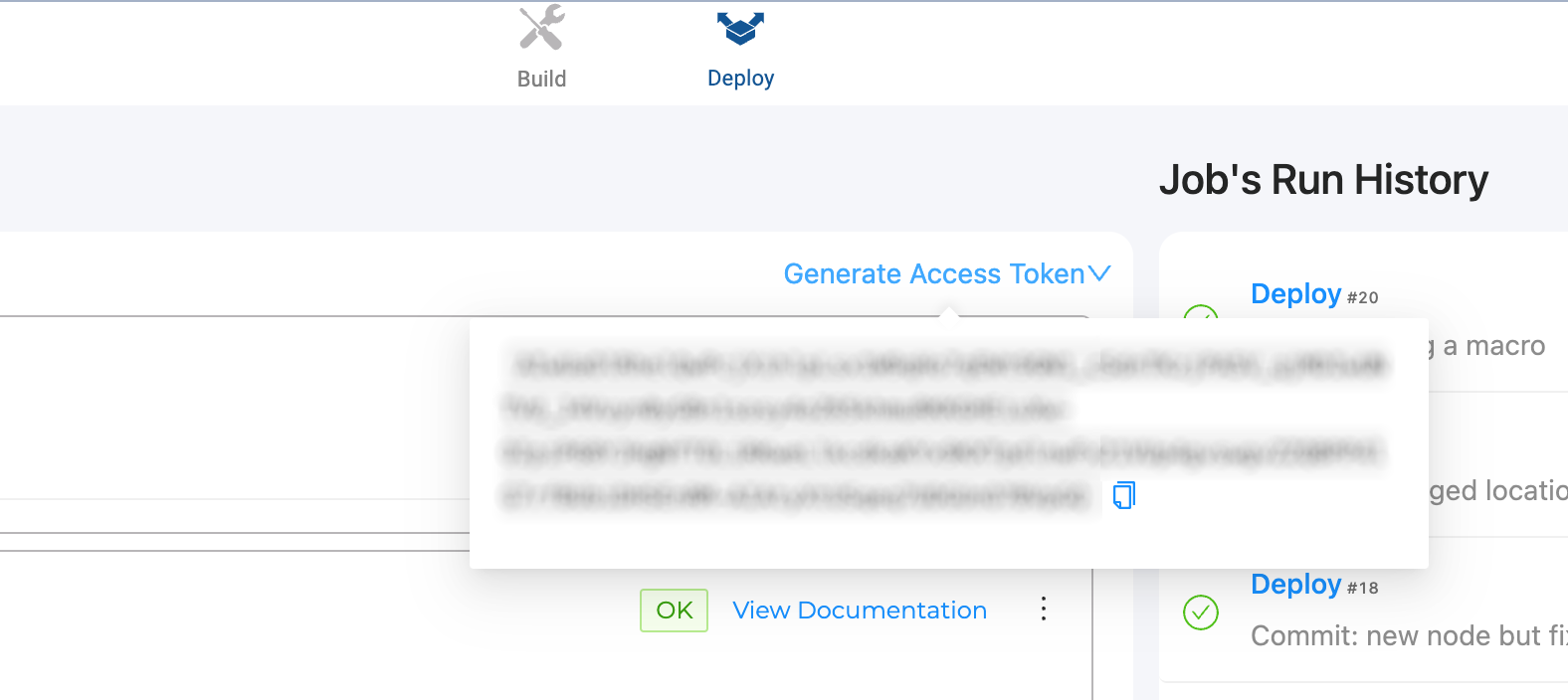
Access Token Regeneration
Access tokens are regenerated after each login. Previously issued tokens remain valid. Tokens never expire across all environments and projects. They can be revoked under certain circumstances.
Access Token Revoked
Which actions revoke a user's access tokens depends on whether your organization has moved to the Authentication Upgrade. If you sign in at the standard Coalesce sign-in page, your organization has moved. If you sign in through your organization's own subdomain, it moves when an Org Admin turns on the new sign-in experience.
Each Job Schedule runs with the access token of the user who last saved it. If any of the following actions revokes that user's tokens, every Job Schedule they last saved is rejected each time it tries to run, and it pauses itself after 3 rejected runs in a row. Selecting Resume doesn't replace the revoked token, so the next run is rejected and the Job Schedule pauses again after 1 failed run. To fix it, see Recover a Paused Job Schedule.
After the Authentication Upgrade
Passwords and access tokens are managed by two separate systems. Changing a password or email address doesn't revoke tokens, and neither does signing in with SSO to a new environment. Tokens are revoked when:
- A user is disabled.
- A user is permanently deleted. In organizations on the Authentication Upgrade, only Coalesce can do this, and Org Admins see Remove from Org instead.
- An Org Admin revokes them with the token revocation endpoint. See Revoking Tokens on Demand.
Removing a user with Remove from Org isn't the same as deleting them. It takes away their access to your organization but doesn't revoke their tokens, and their account stays in place for any other Coalesce organizations they belong to. Their Job Schedules in your organization still stop, because they no longer have a role there. See Recover a Paused Job Schedule.
Before the Authentication Upgrade
Tokens are revoked when:
- User is deleted
- User is disabled
- Password change, only before the Authentication Upgrade reaches your organization. After the upgrade, use the revocation endpoint instead.
- Email address change
- SSO users will need a new token for each new environment created.
- Turning Multi-factor Authentication on and off.
- An Org Admin revokes them with the token revocation endpoint. See Revoking Tokens on Demand.
Revoking Tokens on Demand
An Org Admin can call the token revocation endpoint to invalidate every token issued to any user in your organization, including their own. Afterward, generate a replacement token from the Deploy tab.
POST /api/v1/users/{userId}/revoke-refresh-tokens
This endpoint is available in Coalesce 7.40 and later. After the Authentication Upgrade, changing a password no longer revokes tokens, so use this endpoint when you need to rotate them.
Revoking a user's tokens, including your own, also stops every Job Schedule that user last saved. After the tokens are revoked, recover each affected Job Schedule with the steps in Recover a Paused Job Schedule.