Documentation index: llms.txt. This page is also available as markdown: append .md to this URL or send Accept: text/markdown.
Data Assets
What Is a Data Asset?
In the left panel of your Catalog instance, under the Data section, you will find tables and views sourced directly from data warehouses and grouped under databases and schemas.
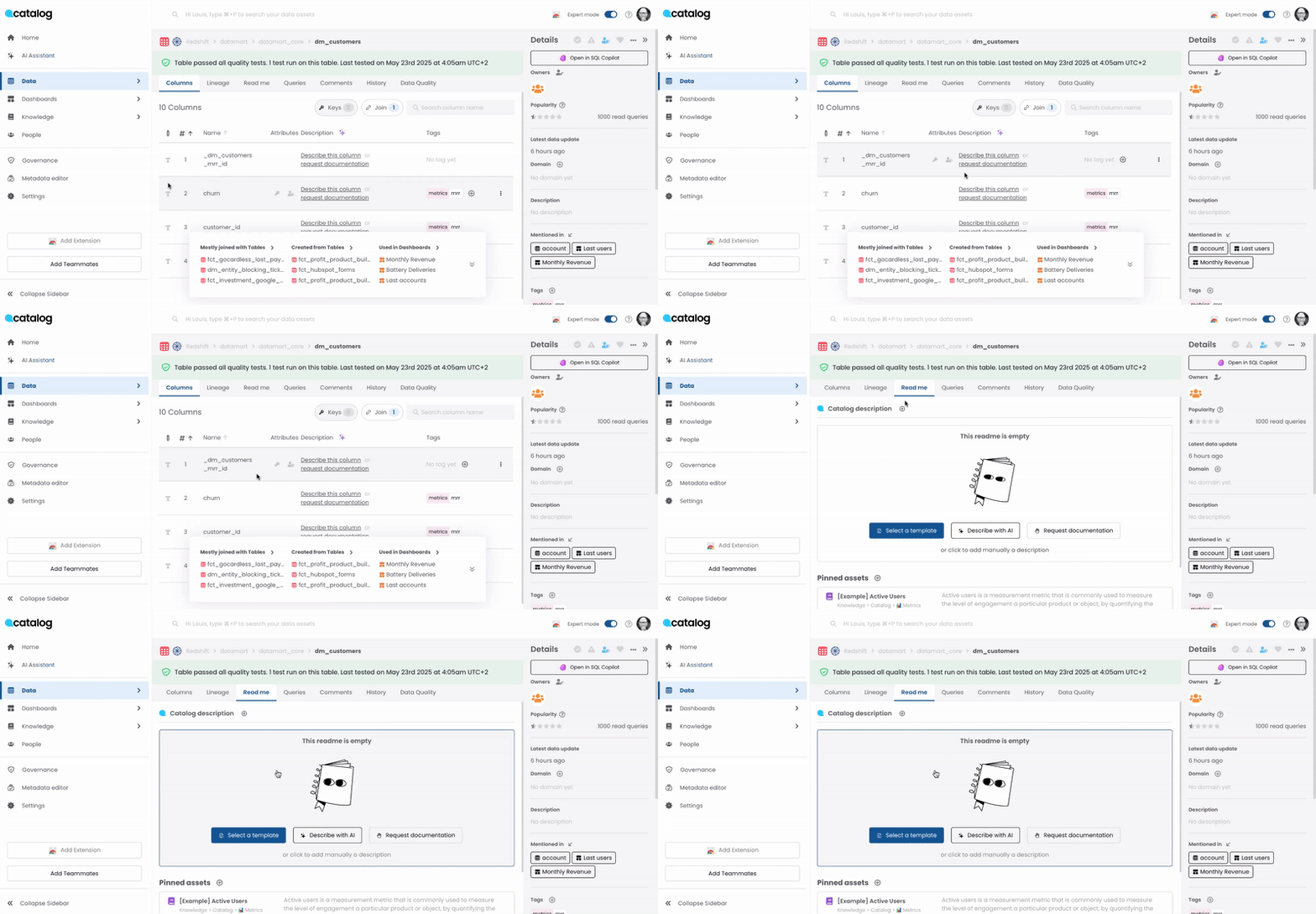
Tables and Columns Documentation
Documentation can be added at both the table level, in the README section, and at the columns level, on the right-hand side of each column. Documentation can also be imported directly from the data source if it exists.
Below are some examples of questions that your table README documentation could or should answer:
- Why do we have the table? What is its purpose? Describe why the table exists or main use cases: for example, part of the ETL process that calculates x or main transactions table used for basket revenue analysis
- Who should use it? Target audience
- What does it contain? Describe what the table contains: Key measures and attributes. History: years of data. Granularity: daily or transaction level, etc. Key sources (if not automated and present in tags)
- How and when is it refreshed? Describe how the data is captured and how frequently it is refreshed
- Anything special we should know? Mention particular calculations, joins, etc. If this is an asset used in the presentation layer for analysis, consider creating separate Knowledge entries for metrics or important attributes
- Technical observations: Specific SQL examples, etc.
Similarly, for column documentation, ensure you add a short description of the meaning of the column, enumerate values if it is an enum type, and consider creating a knowledge page and pinning it (see Pinned assets and mentions) if it represents a major metric or business concept.