Documentation index: llms.txt. This page is also available as markdown: append .md to this URL or send Accept: text/markdown.
Add an API Key to a Looker User
View the Looker documentation on API keys.
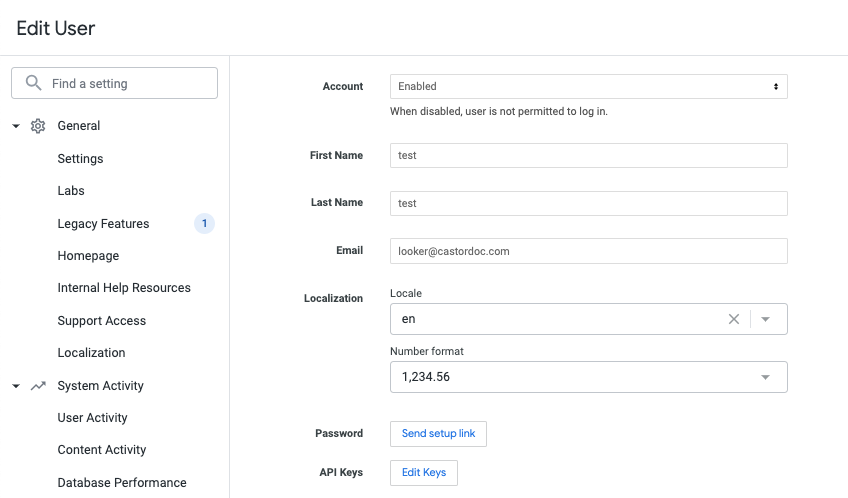
- Go to the User List and select the user you want to edit.
- As in the screen below, click on Edit Keys.
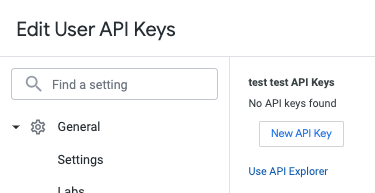
- Click on New API Key.
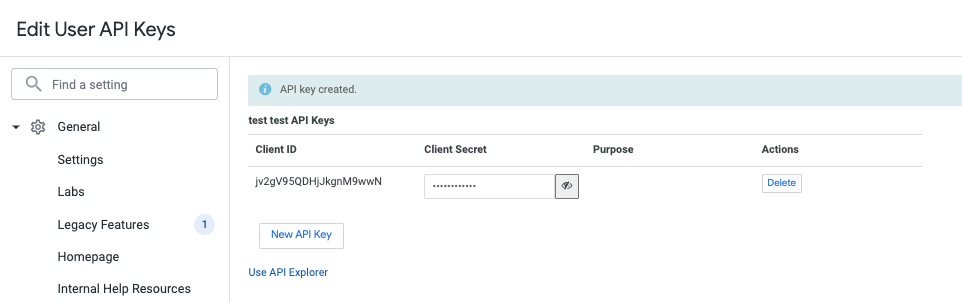
- Copy the
Client Idand theClient Secret. You will add them in the Catalog App later.