Documentation index: llms.txt. This page is also available as markdown: append .md to this URL or send Accept: text/markdown.
Sync Back to BigQuery (Beta)
Push documentation from Catalog to your BigQuery instance. Sync table and column descriptions so they appear as comments in BigQuery.
Requirements
info
You need a Catalog-managed BigQuery integration to push back information to it.
How to Sync Back
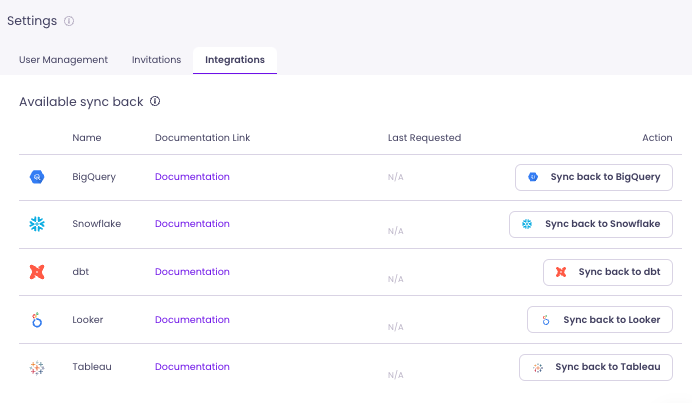
On your Integration tab (in Settings), click Sync back to BigQuery.
What Can You Sync Back to BigQuery?
Within the BigQuery Sync back feature, you can push a description to your tables and columns in BigQuery.
- Write as many descriptions as you want in Catalog.
- Request a Sync back to BigQuery from Settings > Integration tab.
- Once notified that the Sync back succeeded, your comments are updated in BigQuery.
What Happens If a Description Already Exists in BigQuery?
- Catalog will not overwrite any existing description.
- You can write and store another description in Catalog.
- Once you delete the existing description in BigQuery, a Sync back will push the description you wrote in Catalog to BigQuery.
Do You Need To Provide Additional Access?
No. The permission level of the existing integration remains unchanged.