Documentation index: llms.txt. This page is also available as markdown: append .md to this URL or send Accept: text/markdown.
Sync Back to Tableau (Beta)
Requirement
info
You need a Catalog-managed Tableau integration to push information back to it.
How To
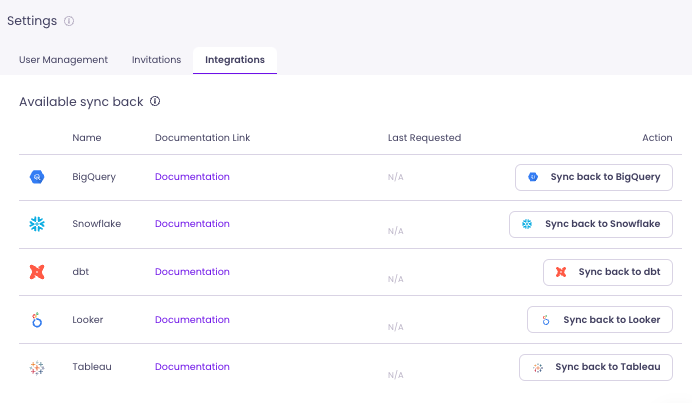
On your Integration tab (in Settings), click the Sync back to Tableau button.
What Can You Sync Back to Tableau
You can sync back to Tableau statuses input in Catalog (Certified, Deprecated).
- Mark Workbooks in Catalog
- Request a Sync back to Tableau in your Settings > Integration tab
- Once notified that the Sync back succeeded, statuses will appear in Tableau
info
The tags will appear as Tags in Tableau. You can then filter on tags, for example to see Workbooks that are Certified.
What Happens If Tags Already Exist in Tableau
- Catalog will not overwrite any existing tag
- Tags are added independently