Documentation index: llms.txt. This page is also available as markdown: append .md to this URL or send Accept: text/markdown.
Coalesce Apps
A Coalesce App is a web app that lives in your Coalesce repo and opens as a tab in the builder. Anyone that checks out your Coalesce repository locally can open the app in Coalesce Desktop or using coa serve.
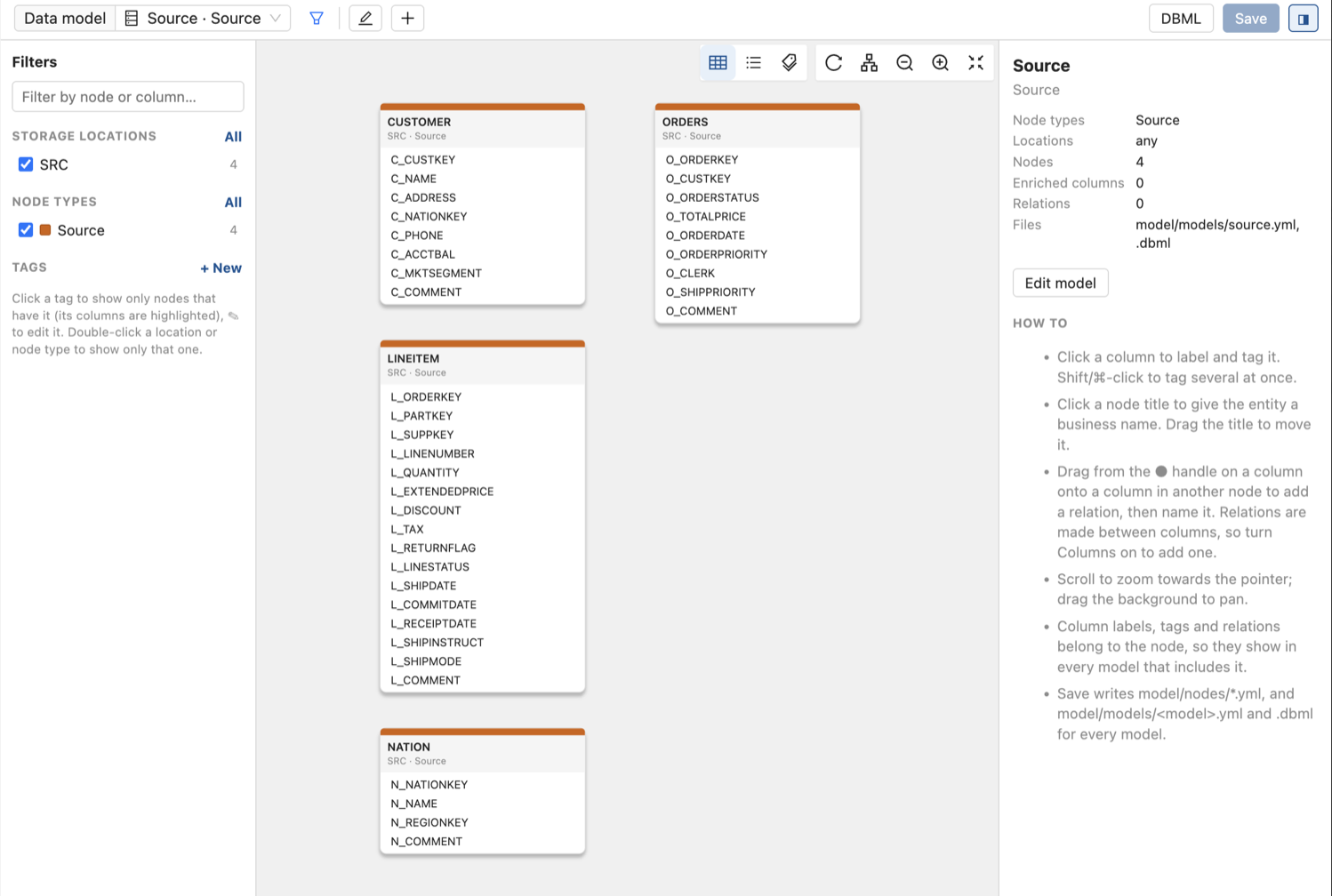
Each app has a folder under apps/ in your workspace. Coalesce finds every folder there that has a package.json, lists it in the Apps menu on the builder rail, and starts the app the first time you open it. The Apps button appears on the rail once your workspace has at least one app.
Where Apps Run
Apps run in Coalesce Desktop and in coa serve.
The Coalesce web app doesn't support apps. If you're interested in apps in the web app, contact Coalesce Support.
Apps are run via Node.js. Coalesce Desktop runs them on the Node.js runtime bundled with Desktop, and coa serve runs them on the Node.js that runs coa. Desktop users don't need to install Node.js or npm, and nobody needs to run npm install for an app.
Ways to Get an App
- Install it from the App Marketplace. Coalesce publishes apps that you can install, update, and roll back from Build Settings > Apps in Coalesce Desktop 7.51 or later. The App Marketplace is rolling out, so it may not be on for your organization yet. See Install Apps From the App Marketplace.
- Build your own. Add a folder to
apps/that follows the app contract. See Build a Coalesce App.
The App Marketplace for apps is separate from the Coalesce Marketplace, which lists Packages of node types.
Apps Live in Git
An app is files in your workspace repository. Commit the apps folder with the rest of your workspace, and everyone who opens the repository in Coalesce Desktop or coa serve gets the same apps at the same versions. Review changes to an app in a pull request, the same way you review changes to nodes.
The Coalesce web app ignores the apps folder and never changes it. For which folders Coalesce reads and writes, see What Gets Committed.
When a teammate's commit adds or removes an app, reload Coalesce after you pull to update the Apps menu.
What an App Can Access
An app has two parts, and they have different access.
| Part | Runs | Can access |
|---|---|---|
| Server | On your computer, as your user | Your workspace files, your network, and anything else your user account can reach |
| Browser page | In a builder tab, on its own origin, <app-id>.localhost | Its own server and the internet. Not the Coalesce page or Coalesce's local API. |
The browser page is isolated from Coalesce. It can't read the Coalesce page, your Coalesce sign-in, or your saved credentials. The server isn't isolated. It's a program that runs on your computer, like a script in your repository. Install only apps you trust, and review an app's code before you commit it.